
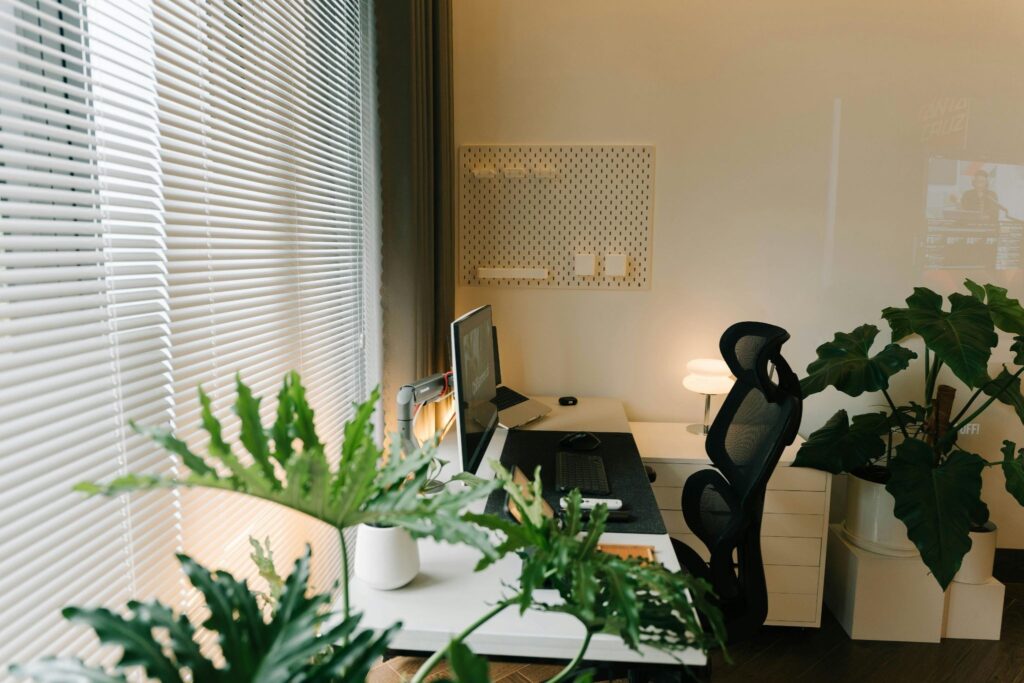
On the face of it, setting up a home office seems simple enough, right? You pick a desk, a comfy chair, and get some cute artwork, and off you go. And for many people, that works.
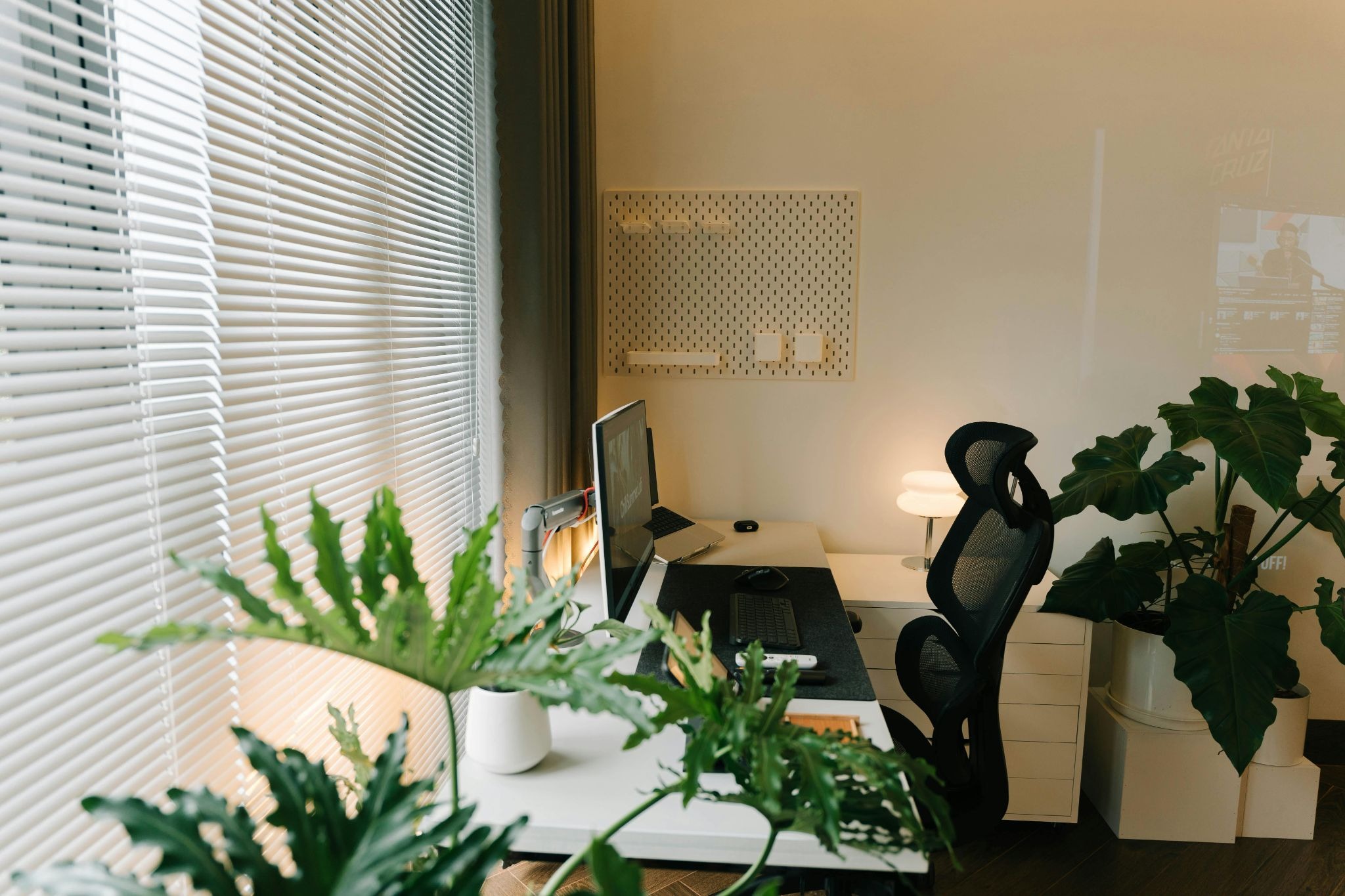
But when you’re sitting in the same position for hours, every day, you need an office set up that not only supports what you do for a living and delivers the functionality you need, but also supports your body so you’re not experiencing those pains and niggles that come from a poor work setup.
These tips can help you make sure you get your office set up absolutely perfect.
Know What You Need
Before you buy anything, you need to know exactly what you need from your office setup. Do you need multiple screens to help your workflow run more easily? If you’re making video calls frequently, then you need to make sure you have adequate lighting and a suitable background to make your call as comfortable as possible. And if you’re switching between multiple projects, you will need surface space.
The trick here is to buy for the office you need, not what Pinterest says looks good, as that just setting yourself up for failure.
Next, once you have the right setup, you need to identify the tech you need, be it a laptop, desktop, or understanding whether a touchscreen laptop is right for you. It might be that you need additional tech or hardware upgrades. Resources like landmark blog can give you detailed advice so you can perfect the setup and the tech you use for the beginning.
Get The Chair and Desk Height Right
This is really important. An incorrect desk and chair setup can make working uncomfortable and potentially cause you pain. A bad chair can result in back, neck, and hip issues quickly. And you can have the best desk setup in the world, but if your chair is uncomfortable or the wrong height, none of that will matter.
Your feet should sit flat on the floor, and your knees at a 90-degree angle. If this isn’t happening, you need something under your feet so you get this position right.
On top of this, your forearms should be level with the desk surface when you’re typing, too. If you have an adjustable desk, great; if not, then you need a chair you can adjust to help you get this set up right. Trying a few desks out and knowing what height you need before you buy it can remove any issues from using a desk that doesn’t meet your height requirements.
Position Your Monitor Correctly
Did you know the top of your screen should sit at or just below eye level to reduce the need for you to be looking down at it? You should also place your monitor around arm’s length away from your face so it’s not too close, causing excess fatigue on your eyes.
If you’re using a laptop as your main machine, then it’s really important that you adjust the position so you’re not looking down at it all day. Use a stand you can adjust to get your screen the right height and pair it with an additional monitor for improved functionality and setup.
Hardwire Your Internet
If your work involves video calls, large file transfers, and if you use cloud-based tools, then relying on wifi alone can be risky. You need to make sure you are connected at all times, and the best way to do this, if you can, is to have a cable running from your router to your desk. If this isn’t suitable, then you need a powerline adapter that connects to your home electrical wiring and carries the internet signal between rooms.