
Has your camera ever frozen in the middle of a burst of shots? Has a video recording stopped because the card couldn’t keep up? Have you ever opened a file only to find it corrupted?
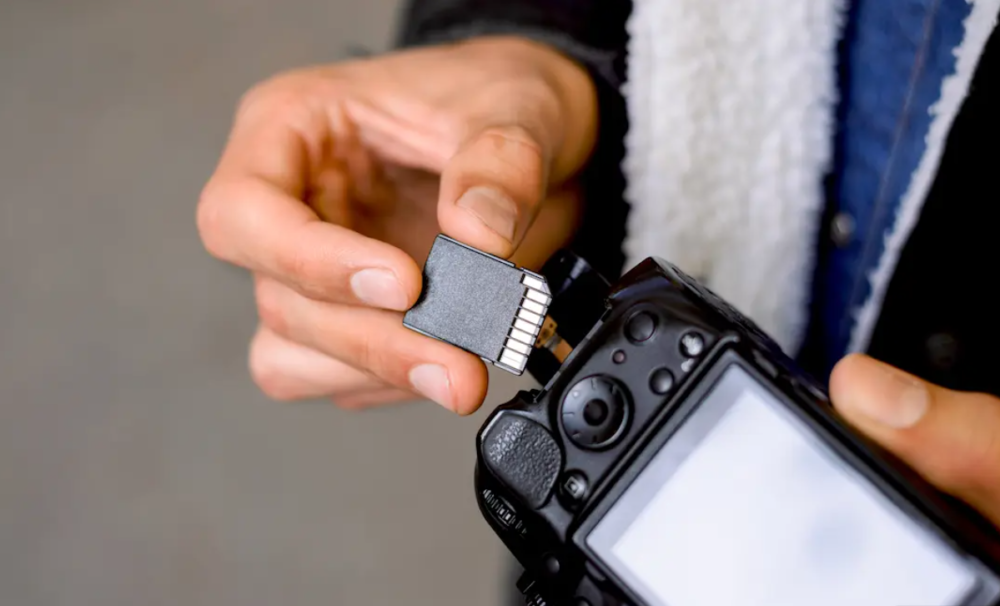
These problems invariably stem from one little thing: the SD card. Two cards can be absolutely identical in appearance and yet perform a world of difference. So how do you go about choosing the right one? Does your camera actually need a fast card, or will a standard one suffice? And just how much space do you actually need? The good news is that picking a card is far easier than it looks. You just need to check a couple of things.
How to Choose an SD Memory Card for a Camera?
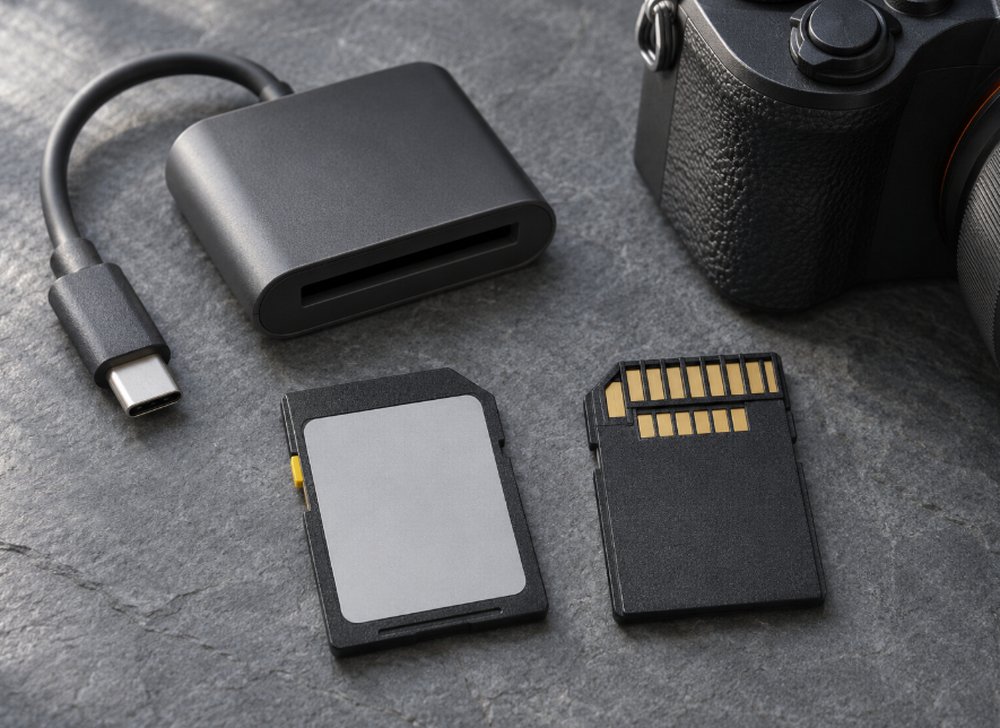
Step 1: Check What Your Camera Supports
Before you look at any card, look at your camera. Its manual or spec sheet will tell you three things: The card type it uses. Most cameras will take full-size SD cards. Some drones and action cameras will use microSD cards instead. The speed it can handle. A card can’t go any faster than the camera allows. The card speed required for video.
Higher quality video modes will often require a faster card. Some cameras have two card slots, and the slots don’t necessarily run at the same speed. If yours does, then obviously you want an SD memory card for the camera in the faster slot.
Step 2: Learn about UHS-I and UHS-II
You’ll usually see UHS-I or UHS-II written on most cards. This refers to the specification of how quickly the data can be transferred from the card to the camera.
- UHS-I is the standard type and more than enough for normal photos, videos, and hybrid cameras.
- UHS-II, on the other hand, is faster. It’s especially suitable for burst shots, big RAW images, and heavy-duty video recording.
UHS-II cards will also work in UHS-I slots (though only at the lower speed). So, if your camera doesn’t support UHS-II, you’re paying for speed you can’t use. A UHS-II card will still copy your files to your computer faster if you’re using a UHS-II card reader.
Step 3: Learn the Video Speed Classes
For video, look for the V30, V60 and V90 labels. The number is the minimum speed the card can maintain (in megabytes per second). This is different from the big speed figure that’s printed on the card (that’s the best the card can do under ideal conditions). The V rating is what it can maintain while you’re recording, and that’s the speed that video needs.
Here are some guidelines:
- V30: suitable for regular 4K videos.
- V60: recommended for high-quality videos and faster frames.
- V90: designed specifically for professional video shooting.
It is important to check the speed class of the card in your camera’s user manual, but choosing the next one would be a wise decision.
Step 4: Think About Photos Separately
Photographers care about something else entirely: how quickly the card can save a burst of images. The faster the card, the quicker it clears the camera’s buffer, which in turn means you can keep shooting. This is obviously of the utmost importance in sports, wildlife and at events, particularly when you’re dealing with large raw files. If you’re primarily taking single shots in calm conditions, then you don’t need an expensive card at all. If you’re shooting fast action, then write speed is absolutely worth paying for.
Step 5: Choose the Correct Capacity
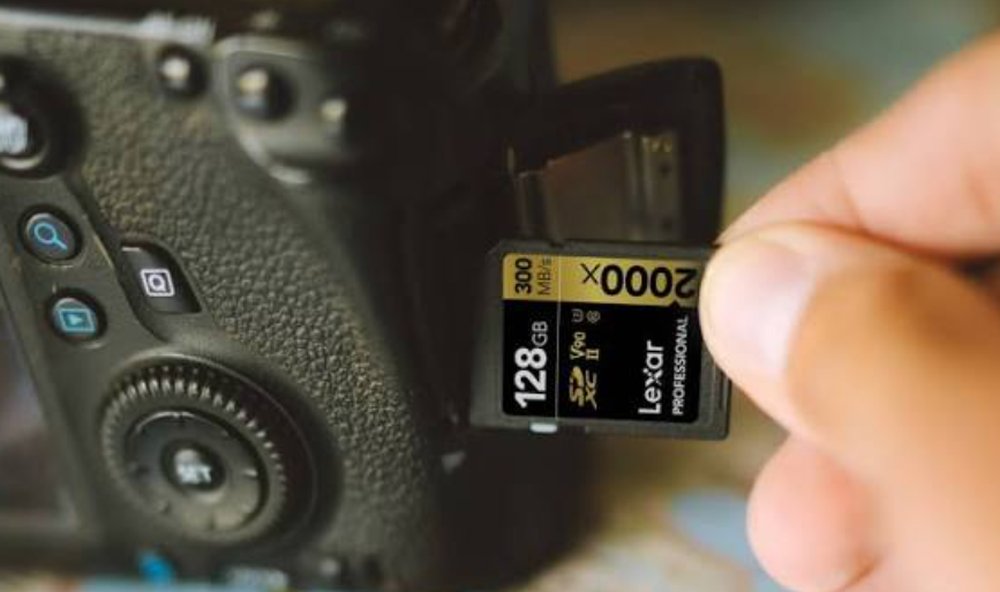
Pick a capacity that suits the way you work.
- 32GB to 64GB: If you take photographs casually and shoot briefly.
- 128GB to 256GB should be enough for the majority of enthusiasts and pros.
- 512GB to 1TB: This is good for long shooting sessions with videos as well. Swapping memory cards becomes a hassle in such cases.
Bigger isn’t always better. A single huge card will, in fact, mean fewer swaps, but in case it stops working or gets lost, all the data on the card is gone. Many individuals in this industry prefer to use several medium-sized cards.
To calculate your required amount of memory, find out the amount of data recorded by your camera per hour in its best quality settings and multiply it by your average shooting time per day.
Step 6: Check the Labels SDHC and SDXC
SDHC cards go up to 32GB, and SDXC cards are bigger than that. Most modern cameras will handle SDXC, but some older ones won’t. Always make sure your camera can handle the size of card you’re after.
After acquiring the right memory card, format it in the camera rather than in the PC – it will help you to achieve maximum performance from the memory card.
Step 7: Consider Durability and Reliability
If your video content is valuable, then reliability is critical. Find memory cards with endurance against water, extreme temperatures, shock, and airport X-rays.
Rugged memory cards are slightly pricier, but totally worth buying if you work outside a studio and travel a lot. Where you buy is important as well. Fake and relabelled cards are out there, and they can fail at any time (slow speeds, damaged files, etc.). Buy from a reputable seller and make sure the card has a proper warranty with it.
What About Other Cards?
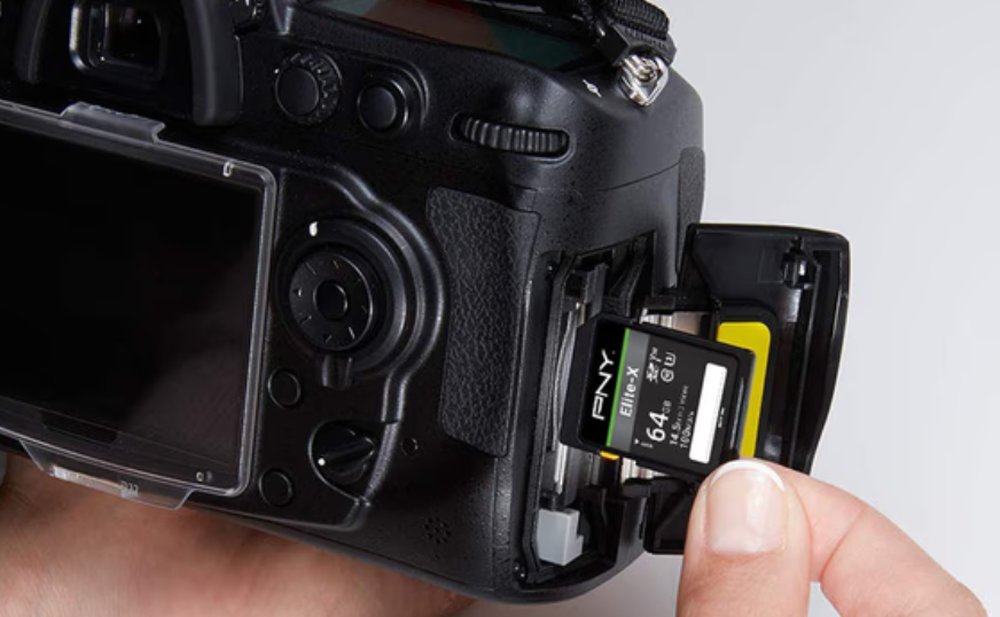
Of course, SD for camera is not your only choice. There are a lot of drones and action cameras that use microSD cards, so you should select one that supports steady video recording. The fastest cards at the moment are CFexpress, used by professional cameras. But if your device features an SD slot, then a reliable SD memory card for a camera is more than enough.
Checklist Before Buying
Here are some questions you should ask yourself before making any decision on camera SD cards:
- What is the type and speed of my camera?
- Do I need a UHS-II card, or will a UHS-I do?
- Which video class do I need for my best recording mode?
- How much storage will I need for a typical shoot?
- Are the shooting conditions difficult?
The Bottom Line
The best SD card isn’t always the fastest or the biggest. It’s the one that suits your camera, handles your most demanding recording mode with room to spare, and comes from a source you trust. Match the speed to your camera, the video class to your recording quality, and the size to the way you shoot. Do that, and you’ll avoid dropped frames, slow bursts and lost files. Then your camera will be ready whenever the moment arrives.